The books and the practice, on one page.
Smile Data connects your accounting software to the practice software. Production, collections and expenses line up by office, and the month-end report builds itself.
 QuickBooks


 Excel
Close the month without the spreadsheet.
Today someone exports from the practice software, exports from the ledger, and stitches the two together in Excel for every office. Smile Data holds both sides, so the report is already there when the month closes.
- Before
- Two exports per office, a workbook of lookups, and a week of asking the office manager what a number means.
- With Smile Data
- One report per office and one for the group. It refreshes on its own and reads the same way every month.
Reports your clients keep asking for.
A P&L by office, laid out your way.
Group the accounts the way you report them. See each office on its own, side by side, or rolled up to the group.
- Production next to income
- Collections next to deposits
- Expenses by category, by office
Keep the workbook. Stop filling it in.
Hand Smile Bot the sheet you already send every month. It keeps your layout and fills in the numbers itself, for every office.
Budget against actual, without retyping the budget.
Drop in the budget file. Every metric gets its target, and every report shows where each office stands against it.
Questions a ledger can't answer alone.
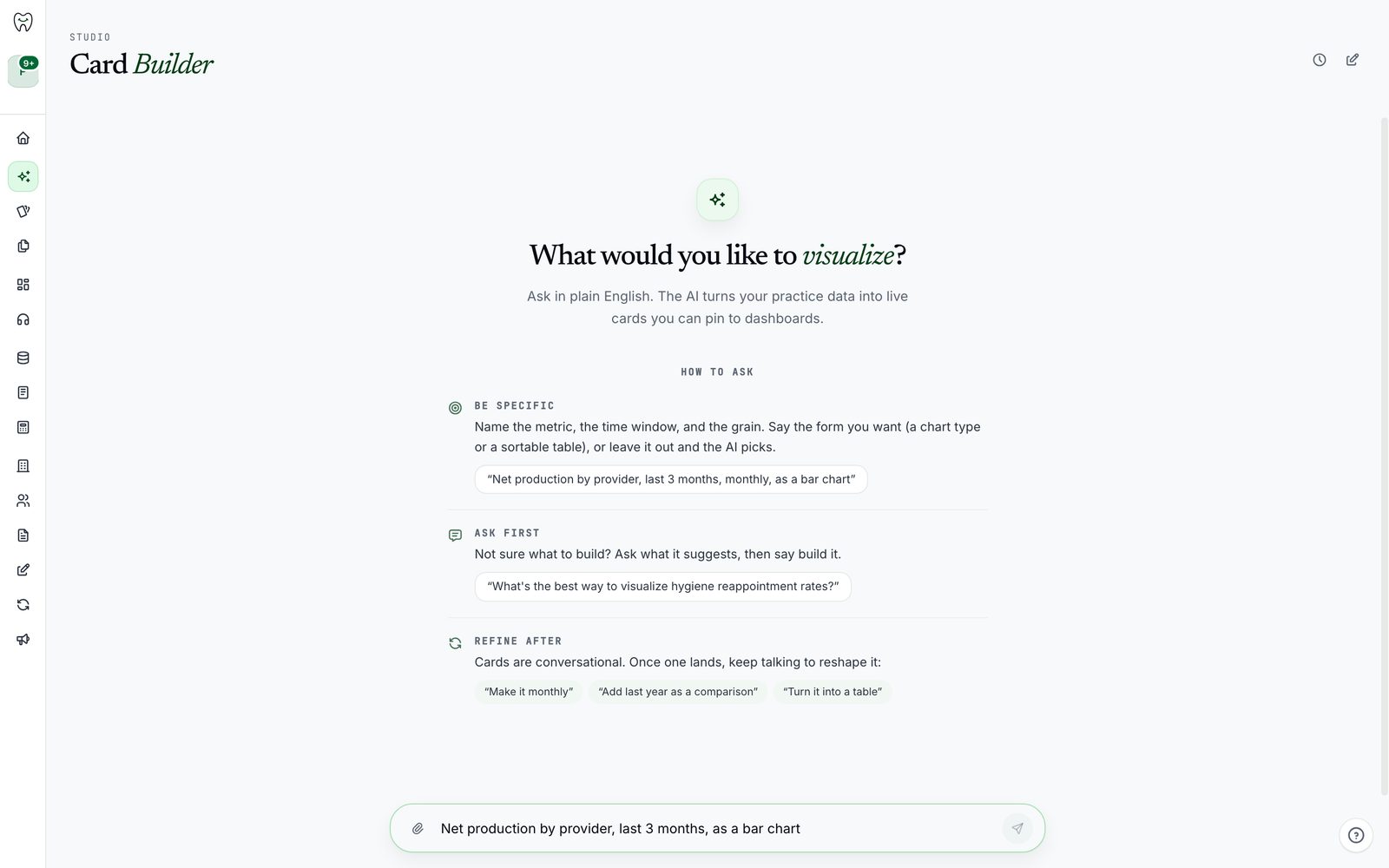
Type the question, or say it. Each answer is a card you can pin to a dashboard and send to the owner.
Your ledger on one side. The practice on the other.
QuickBooks, NetSuite, Sage and Excel budgets connect today. Our team sets each one up with you, with one sign-in per office. On Xero or another ledger? Tell us and we will look at connecting it.
The books
Income, deposits and expenses by account, for each office's company file.
The practice
Production, collections, adjustments, claims and the schedule, from the system each office already runs.
What it cost to get there
Payroll, marketing spend and phones, so a P&L line can sit next to the activity behind it.



Give your CPA a login.
Stop emailing exports back and forth. The practice adds its accountant as a user, and access is set by role, so each person sees only the offices and reports they need.
- Unlimited viewers on every plan
- Every number shows how it is calculated
- Export any table to Excel or CSV
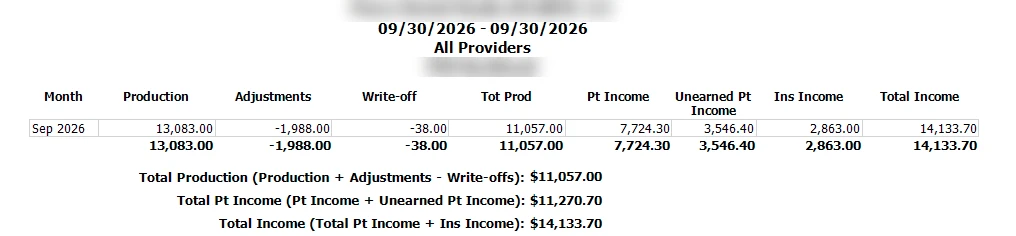
The totals match the practice software, to the penny.
Same totals

From accountants.
Which accounting software does Smile Data connect to?
QuickBooks, NetSuite and Sage, plus budgets kept in Excel. If your client is on something else, ask us.
Can I connect the books myself?
Not yet. Someone with access signs in once for each office, with our team on the call.
How current are the numbers?
A full upload of your data runs every night, so nothing goes missing and the morning starts with yesterday closed out. Updates also run during the day, depending on your practice software: hourly on Open Dental.
I work with several practices. Can I see them all?
Yes. Each practice adds you as a user. If you run reporting for many clients, the consultants page explains how to build once and reuse it.
Who pays?
The practice. Viewers are unlimited, so adding an accountant costs nothing extra.
Month-end, already done.
Connect the books and the practice software once.
No contract. $0 onboarding. 30-day money-back guarantee.